Email remains the primary channel for business communication, from sending contracts and invoices to sharing sensitive files. But without the right protection, emails can be intercepted, leaked, or accessed by attackers. As cyber threats grow worldwide, understanding how to send secure email is essential for anyone who wants to protect their information, whether at home or in the workplace.
At Meta Techs, we help individuals and businesses strengthen their communication security and avoid risks like phishing, data breaches, and account compromise. This guide explains how to send secure email in Gmail, Outlook, and Proton Mail, and why email security matters now more than ever.
Why Email Security Matters
Emails travel across servers and networks before reaching the recipient. Without security measures, attackers can:
- Intercept messages
- Steal passwords
- Access sensitive files
- Impersonate senders
- Launch phishing or business email compromise (BEC) attacks
Understanding how to send secure email helps reduce these risks and ensures your communication stays private and protected.
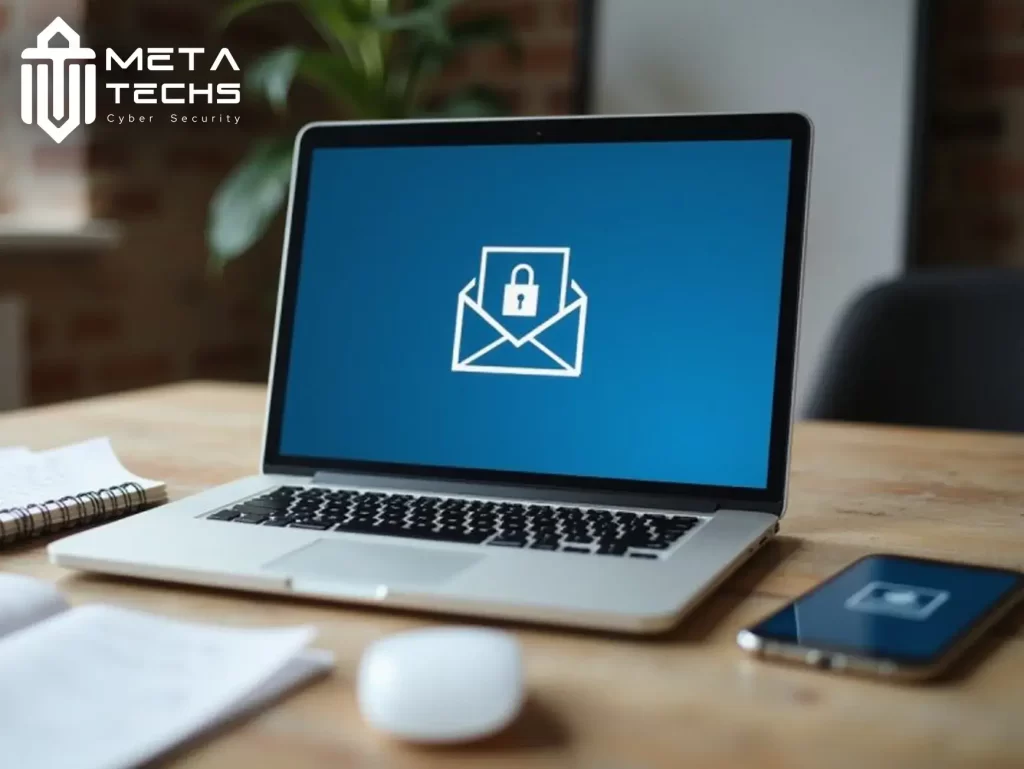
How to Send a Secure Email in Gmail
Gmail includes Confidential Mode, a tool designed to limit unauthorized access.
Steps to Send a Secure Email in Gmail:
- Click Compose in Gmail.
- Select the lock-with-clock icon (Confidential Mode).
- Set an expiration date (1 day to 5 years).
- Choose whether to require an SMS passcode.
- Save and send your email.
Read More : Best Email Security Providers in UAE
What Gmail Confidential Mode Does:
- Prevents forwarding, copying, downloading, and printing
- Lets you control when the email expires
- Adds optional passcode protection
Note: Confidential Mode is not end-to-end encryption, but it provides an additional layer of control.
How to Send a Secure Email in Outlook
Outlook offers strong encryption features, especially for businesses using Microsoft 365.
Steps to Send a Secure Email in Outlook:
- Click New Email.
- Go to Options → Encrypt.
- Choose an encryption option:
- Encrypt-Only
- Do Not Forward
- S/MIME (if enabled)
- Send your message as usual.
What Outlook Encryption Provides:
- Encrypts message content during transmission
- Protects against unauthorized forwarding
- Ensures only intended recipients can access the email
This makes Outlook one of the strongest choices for business communications.
How to Send a Secure Email in Proton Mail
Proton Mail is known for providing end-to-end encryption, making it one of the most secure email services available.
Steps to Send a Secure Email in Proton Mail:
- Click Compose.
- Write your message.
- Click the lock icon to set a password for non-Proton recipients.
- Share the password securely (SMS or call).
- Send your email.
You may also like : Best 11 Email Security Tools for 2024
Why Proton Mail Is Highly Secure:
- End-to-end encryption by default
- Zero-access architecture (even Proton can’t read your emails)
- Password-protected messages for external recipients
Conclusion
Email remains one of the most targeted communication tools for cybercriminals, which is why learning how to send secure email is essential for both individuals and organizations. By using encryption, enabling privacy features, and choosing secure email services, you greatly reduce the risk of data leaks and unauthorized access.
At Meta Techs, we help businesses build secure communication systems, implement advanced email protection, and stay safe from modern cyber threats. Whether you need encrypted email setups, business-grade security tools, or complete cybersecurity solutions, we’re here to keep your communication protected.
FAQ
Why can’t I see the encryption options in Outlook?
Your organization may not have enabled encryption, or your Outlook version may be outdated. Some options also require S/MIME certificates.
Is Gmail Confidential Mode encrypted?
It offers privacy controls but is not true end-to-end encryption. For stronger protection, use encrypted services or advanced email security tools.
What is a secure way to send an email?
A secure method includes:
- Using encryption (Gmail, Outlook, Proton Mail)
- Password-protecting documents
- Enabling Multi-Factor Authentication
- Avoiding public Wi-Fi
- Verifying senders before sharing sensitive data
Related posts:
 Website hack repair service with meta techs
 Fawry comments on cyber attacks and data leaking
 Effective Policy for data retention policy best practices
 the Latest fortinet vulnerability 2024
 What Is ISO 27001?, Core Principles, Benefits, and Requirements
 Cylance Protect Antivirus for Your Digital Assets