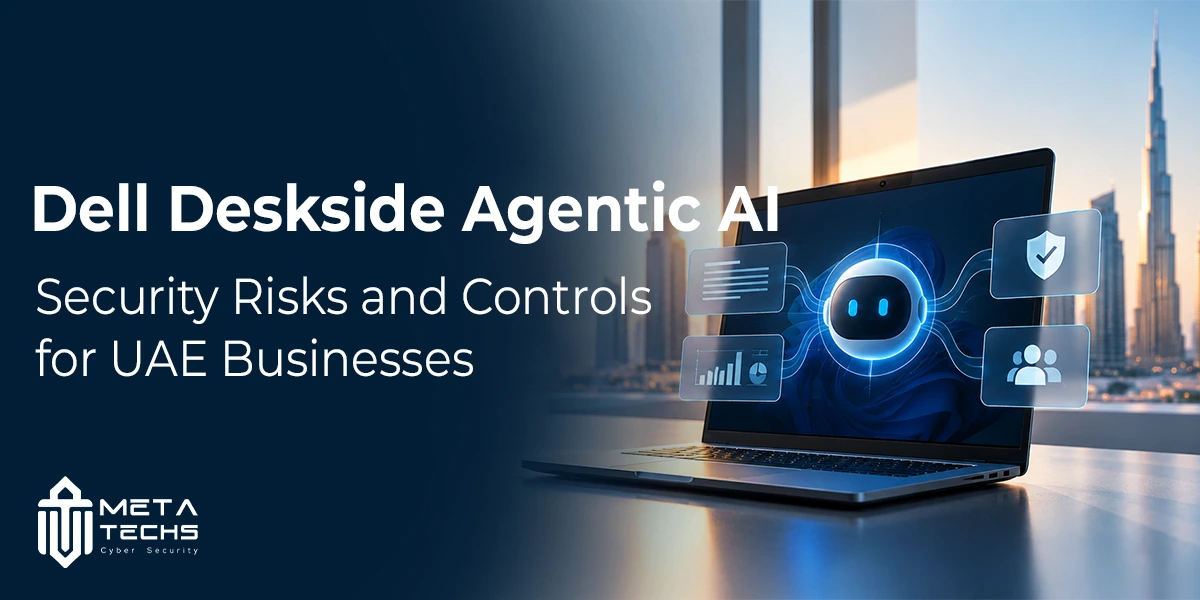
Dell Deskside Agentic AI brings autonomous AI workflows to local workstation environments, giving businesses another way to run AI applications without relying entirely on cloud infrastructure. For organisations handling sensitive business information, this approach raises an important question: does running AI locally make it secure enough for enterprise use?
The answer depends on how the environment is configured and managed. Local execution can help organisations retain control over their data, but it does not automatically prevent unauthorised access, prompt injection, excessive agent permissions or compromised software.
For UAE businesses considering agentic AI, the priority should be to understand what these systems can access, which actions they can perform and how their activity will be monitored. These controls matter just as much as the hardware running the workloads.
What Is Dell Deskside Agentic AI?
Dell Deskside Agentic AI is a solution designed to run agentic AI workflows locally on workstation infrastructure. Dell announced the offering as part of its AI Factory with NVIDIA, combining high-performance workstations with an AI software stack intended to support autonomous, multi-step tasks.
Unlike a conventional chatbot that primarily responds to individual prompts, an AI agent can work through a sequence of tasks, use connected tools and interact with permitted resources to achieve a defined objective. Depending on its configuration, an agent might assist with software development, research, document analysis or internal business workflows.
Dell’s announcement describes a platform built around local AI execution and NVIDIA software components, including NemoClaw and OpenShell. Organisations can review the technical details in Dell’s official announcement.
The security implications depend on the complete deployment, not just the workstation. The model, agent framework, connected applications, user permissions, data sources and monitoring tools all influence the level of risk.
Why Local AI Deployment Appeals to Businesses
Many organisations are interested in running AI workloads within infrastructure they control. This can be particularly relevant when employees need to work with confidential documents, internal systems or business data subject to access restrictions.
A local deployment may offer several practical advantages:
- Greater control over data location: Organisations can design workflows that keep selected information within their own environment.
- Reduced dependence on cloud connectivity: Some workloads may operate locally, depending on the architecture and integrations.
- More control over access policies: IT teams can define which systems and resources an agent is allowed to use.
- Integration with internal workflows: Agents may support approved tasks involving development tools, documents or business applications.
These benefits should be assessed against the actual architecture. Local execution does not guarantee that no information will leave the environment. External APIs, telemetry, update services and connected applications may still transmit data.
Businesses should therefore review data flows before deployment and align the implementation with their wider cybersecurity solutions and risk management requirements.
Five Security Risks to Consider
1. Excessive Agent Permissions
An agent may need access to files, applications, command-line tools or internal systems to complete its assigned work. If those permissions are broader than necessary, an error or malicious instruction could have consequences beyond the intended task.
For example, an agent designed to summarise project documents should not automatically have permission to modify production systems or access unrelated employee records.
Organisations should assign each agent a defined identity and grant only the permissions required for its task. Write access, administrative actions and access to sensitive repositories should receive additional scrutiny.
Where possible, separate read-only activities from actions that change systems or data. Require human approval for high-impact operations such as deleting records, modifying production configurations or transferring confidential information.
2. Prompt Injection and Untrusted Content
AI agents may process emails, documents, websites, code repositories and other external content. That material can contain instructions designed to manipulate the agent into ignoring its intended task or misusing its available tools.
This is a concern even when the AI model runs on a local workstation. Keeping the model on-premises does not make the content it reads trustworthy.
Security teams should treat external content as untrusted input. Agent instructions should be separated from retrieved material, and tool permissions should be enforced outside the model rather than relying on the model to reject every malicious request.
Testing should include realistic attempts to make an agent disclose sensitive information, follow unauthorised instructions or perform actions outside its role.
3. Exposure of Confidential Business Data
An agent may retrieve information from internal files, knowledge bases or business applications. If access controls are poorly designed, it could expose data to a user or workflow that should not receive it.
Local processing can reduce certain data-sharing risks, but it does not replace information governance.
Businesses should classify sensitive data, restrict the repositories available to each agent and apply existing access policies to retrieval systems. Logs should record relevant access and actions without unnecessarily storing confidential prompts, credentials or document contents.
For UAE organisations, these measures should be considered alongside applicable privacy and data-protection obligations. Meta-Techs’ guide to the UAE data protection law provides a starting point for reviewing the broader data-handling context.
4. Vulnerabilities in Software and Integrations
An agentic AI deployment contains more than a model. It may rely on operating systems, drivers, libraries, agent frameworks, connectors, plugins and external tools. A weakness in one of these components could undermine the security of the wider environment.
An integration that appears convenient may also introduce new access paths into business systems. Before enabling a connector, organisations should understand what information it can read, what actions it can perform and how its credentials are stored.
A practical approach includes maintaining an inventory of components, applying security updates, reviewing third-party dependencies and removing integrations that are no longer required. Software should come from trusted sources, and administrative credentials should not be embedded in prompts or configuration files where they can be exposed.
Endpoint protection remains important, but it should operate alongside identity controls, network restrictions, application security and vulnerability management.
5. Limited Visibility Into Agent Activity
An autonomous workflow may perform several actions before a person reviews the result. Without adequate logging, a security team could struggle to determine which resources an agent accessed, why an action occurred or whether information was exposed.
Monitoring should cover the agent’s identity, tool calls, access attempts, policy violations and significant changes to systems or data. Logs need sufficient context for investigation while respecting privacy and retention requirements.
Organisations should also define how to stop a workflow, revoke its credentials and investigate suspicious activity. A response plan that works for ordinary endpoints may need additional steps when an agent can initiate multiple actions across connected systems.
A Security Checklist Before Deployment
Before introducing Dell Deskside Agentic AI or another local agentic AI platform into a business environment, IT and security teams should review the following controls.
| Control area | What to verify |
| Identity and access | Each agent has a distinct identity and limited permissions |
| Data protection | Sensitive repositories are restricted and data flows are documented |
| Runtime isolation | Agents are isolated from systems they do not need to access |
| Tool governance | Integrations are reviewed and high-impact actions require approval |
| Endpoint security | Workstations receive updates and appropriate endpoint protection |
| Monitoring | Agent activity and security-relevant events are logged |
| Incident response | Teams can stop agents, revoke access and investigate incidents |
| Testing | Prompt injection, data exposure and unauthorised actions are tested before rollout |
These controls should be validated against the organisation’s specific use cases. A research assistant working with public documents does not require the same access or approval model as an agent that can change business records or execute code.
A useful reference for structuring this work is the NIST Generative AI Risk Management Profile, which outlines ways to identify and manage risks across the AI lifecycle.
What UAE Businesses Should Consider
Organisations in the UAE should assess agentic AI against their existing cybersecurity policies, data-handling requirements and business continuity arrangements. The relevant controls will depend on the organisation’s sector, the sensitivity of its information and the systems connected to the agent.
For businesses subject to formal security or compliance requirements, AI deployment should be included in risk assessments rather than treated as a separate technology experiment. Teams should document the purpose of each agent, the data it can access, the actions it can take and the person responsible for its operation.
This review can also identify gaps in endpoint security, identity management, access control and incident response. Organisations reviewing these areas can explore Meta-Techs’ information on UAE NESA and IAS compliance as part of their wider security planning.
A phased rollout is generally easier to govern than granting broad access from the outset. Start with a limited use case, test it with representative data, monitor its behaviour and expand permissions only when the security controls have been validated.
Is Dell Deskside Agentic AI Secure Enough for Enterprise Use?
There is no single answer that applies to every deployment. The platform’s security depends on its configuration, software components, access policies, integrations and the controls maintained by the organisation operating it.
Local execution can support data control and reduce some dependencies on cloud-based processing. However, it does not eliminate risks created by excessive permissions, malicious inputs, vulnerable integrations or insufficient monitoring.
Businesses should assess the complete environment before putting autonomous workflows into production. That means reviewing the workstation, runtime, model, connected tools, data access and incident response arrangements together.
For organisations exploring agentic AI, the goal should not be to eliminate every possible risk before testing the technology. It should be to understand the risks, limit the agent’s authority, monitor its actions and ensure that people remain accountable for important decisions.
FAQs
What is Dell Deskside Agentic AI used for?
Dell Deskside Agentic AI is designed to support autonomous AI workflows running locally on workstation infrastructure. Potential applications depend on the deployment and may include research, software development and other multi-step business tasks.
Does running agentic AI locally make it more secure?
Not automatically. Local execution can give an organisation greater control over data location and infrastructure, but security still depends on access permissions, runtime isolation, software maintenance, integrations and monitoring.
What are the main security risks of AI agents?
Key risks include excessive permissions, prompt injection, exposure of confidential data, vulnerable software integrations and limited visibility into agent activity. The level of risk depends on the agent’s capabilities and the systems it can access.
How can a business secure a local AI agent deployment?
Start by defining the agent’s role, restricting its permissions, isolating its runtime, reviewing connected tools, protecting sensitive data and logging important actions. Test for unauthorised behaviour and require human approval for high-impact operations.
Should UAE businesses assess AI agents as part of cybersecurity planning?
Yes. Agentic AI can interact with business data and systems, so its deployment should be included in risk assessments, access-control reviews, data-protection planning and incident response procedures.
Conclusion
Dell Deskside Agentic AI reflects the shift towards running more autonomous AI workflows on infrastructure that organisations control. For businesses, the opportunity is to use these systems for practical work without giving them unrestricted access to sensitive data or critical systems.
The most important decision is not simply where the AI runs. It is what the agent can do, what information it can reach and whether the organisation can detect and respond when something goes wrong. Strong access controls, isolation, monitoring and clear accountability provide a more reliable foundation for enterprise adoption.
Related posts:
 Agentic AI: The Next Evolution in Intelligent Systems
 How to Secure Agentic AI: A Strategic Approach for Modern Enterprises
 What is Cybersecurity? How Meta-Techs Protects Businesses in UAE
 Mitigating Robotic Process Automation Security Risks
 Why UAE Businesses Choose Meta techs for Cybersecurity Solutions?
 How to Choose a Penetration Testing Company: A Practical Checklist for UAE Businesses