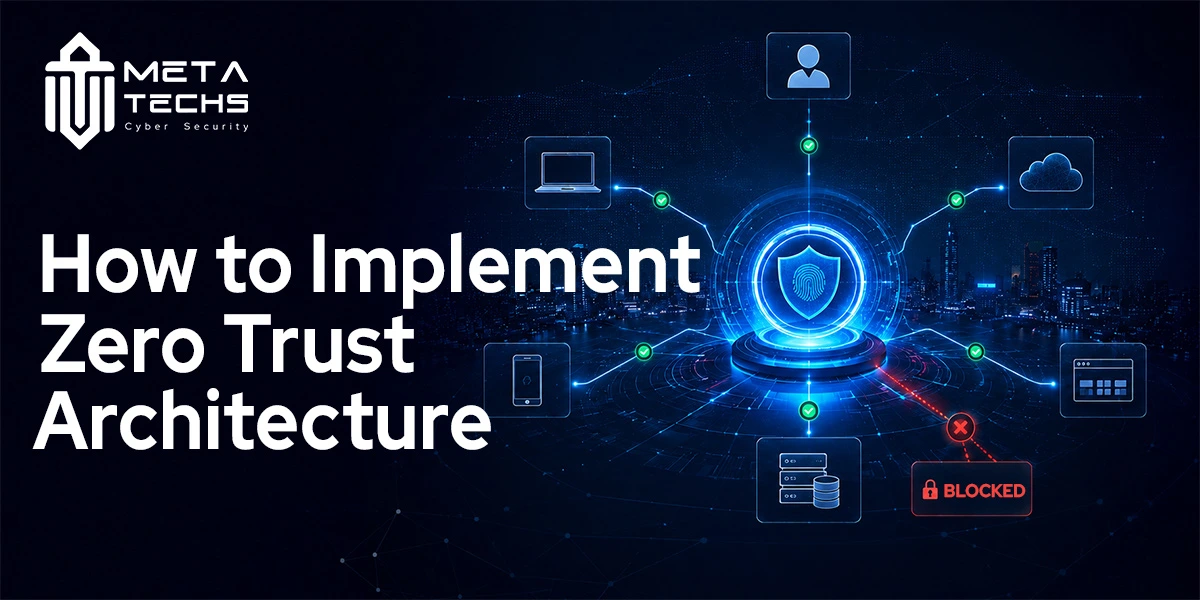
Zero Trust is often introduced with a simple phrase: never trust, always verify.
The difficult part comes after that.
For an organization with cloud applications, remote employees, legacy systems, third-party users, and hundreds or thousands of devices, implementing Zero Trust is not a matter of buying a Zero Trust product and switching it on. It requires changes to identity, access policies, devices, applications, network controls, data protection, and monitoring.
The safest approach is to treat Zero Trust as a gradual change in how access decisions are made. NIST describes Zero Trust Architecture as an approach that removes implicit trust based on network location and focuses instead on protecting users, assets, resources, and services.
| Not sure where your Zero Trust gaps are? Book a Free Security Assessment → |
What Is Zero Trust Architecture?
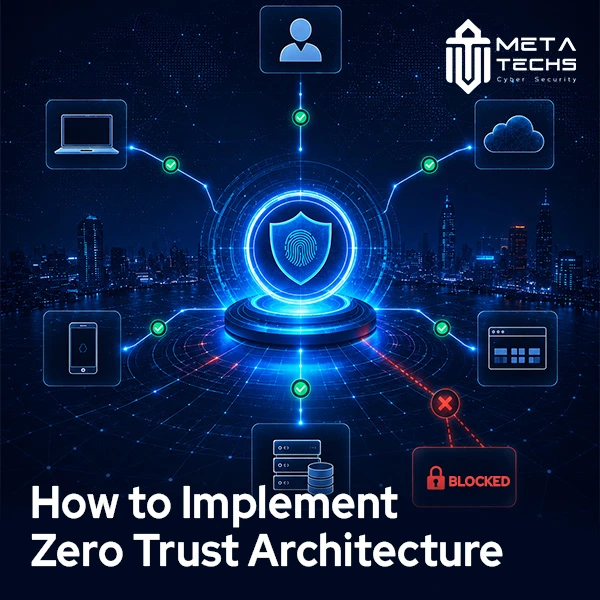
Zero Trust Architecture (ZTA) is a security architecture in which users, devices, applications, and other access requests are not automatically trusted because they are inside a corporate network.
Before access is granted, the organization evaluates the request and determines whether it meets the required security and access policies. User identity, device state, requested resource, role, and other contextual signals can influence that decision.
This is different from a traditional perimeter model.
In a perimeter-based environment, getting inside the network may provide a level of implicit trust. Zero Trust shifts the focus from securing the network boundary to protecting individual resources.
For example, an employee who has successfully signed in should not automatically have access to every internal application. They should receive access to the resources required for their role, under the conditions defined by the organization’s policies.
Zero Trust also does not mean removing every existing security control. NIST’s implementation work shows that organizations can evolve existing environments gradually, using technologies they already have while introducing new capabilities where they provide the greatest security benefit.
Why Implement Zero Trust?
Cloud services, remote work, SaaS applications, mobile devices, contractors, and hybrid infrastructure have made the old idea of a clearly defined corporate network much less useful.
An employee might work from home, access an application hosted in the cloud, use a company-managed laptop, and connect to data stored in another environment. A contractor may need temporary access to one application without ever needing access to the wider network.
The security question is therefore no longer simply:
“Are you inside the network?”
It is:
“Who are you, what are you using, what are you trying to access, and should you be allowed to do it under the current conditions?”
NIST’s implementation guidance recommends a risk-based, incremental approach rather than trying to transform the entire organization at once. Microsoft similarly recommends implementing Zero Trust incrementally across functional areas and measuring progress as the program matures.
How to Implement Zero Trust Architecture
A practical zero trust implementation roadmap starts with understanding the environment before changing it.
1. Identify What You Need to Protect
Start with an inventory of users, devices, applications, data, services, and important network or application flows.
This sounds straightforward until an organization begins looking closely.
There may be old applications that nobody has documented properly, service accounts that were created years ago, third-party integrations, personal devices, cloud resources owned by different teams, and applications that were adopted without going through the central IT process.
NIST’s Zero Trust implementation project places discovery and inventory at the beginning of the journey for exactly this reason. You need to understand what exists before deciding how access should work.
The goal is not to document every asset perfectly before doing anything else. Start by identifying the resources that would cause the greatest damage if compromised.
Sensitive customer information, financial systems, administrative accounts, critical applications, and important intellectual property are usually better starting points than trying to transform the entire environment simultaneously.
2. Map Users, Devices, Applications, and Data Flows
Once critical resources are identified, determine who needs access to them and how that access currently works.
A useful question is: what actually happens when a user opens an application?
Which identity system authenticates them? Which device are they using? Where is the application hosted? What data does it access? Does the user need access to anything else first?
Mapping these relationships helps reveal unnecessary trust.
You may find that an employee has access to several applications they no longer use, a contractor has a broader permission set than required, or an internal application can be reached from more locations than necessary.
This step also helps teams decide where identity-based access, segmentation, ZTNA, or other controls will have the greatest effect.
3. Strengthen Identity and Access Management
Identity is one of the foundations of Zero Trust.
Every user should have a known identity, appropriate permissions, and an authentication method that matches the sensitivity of the resource they are accessing.
Multi-factor authentication should be applied to important accounts, particularly administrative and externally accessible accounts. Access should also follow least privilege, meaning users receive only the permissions required for their role.
This is where identity governance becomes important. Organizations need processes for onboarding users, changing permissions when responsibilities change, reviewing access, and removing access when someone leaves.
Zero Trust should also account for non-human identities. Applications, services, APIs, and workloads can make access requests too, and those identities need appropriate controls.
4. Establish Device Trust
A valid username and password do not automatically make a device safe.
A company laptop may be managed, encrypted, patched, and protected by endpoint security. A personal device may have a very different security posture.
Zero Trust policies can consider device-related signals when making access decisions. Depending on the environment, this may include device ownership, security software, patch status, encryption, compliance state, or whether the device is known to the organization.
For example, an employee might normally be allowed to access a sensitive application from a compliant company device. If the same account attempts access from an unmanaged device, the policy could require additional verification or deny access.
The exact controls depend on the organization’s risk and technology environment, but the principle is consistent: identity should not be separated from the security condition of the device being used.
5. Apply Least-Privilege Access
Zero Trust becomes difficult to implement if every authenticated user still receives broad access.
Least privilege reduces that exposure by limiting users, devices, applications, and services to the resources they actually need.
Consider a finance employee who needs access to an accounting application. There is little reason for that employee to automatically receive access to development servers or administrative systems.
The same applies to contractors. A vendor supporting one application may need access to that application for a limited period, not a permanent account with broad network permissions.
Application-level access through technologies such as Zero Trust Network Access can help enforce these boundaries, particularly for remote and cloud-based resources.
NIST’s cloud-native Zero Trust guidance emphasizes granular policies based on identities and applications rather than relying primarily on network location.
6. Segment Critical Resources
Network segmentation remains useful in a Zero Trust architecture, but it should not be confused with Zero Trust itself.
Segmentation can reduce how far an attacker can move if an account, endpoint, or workload is compromised. Sensitive applications and systems can be separated from less critical resources, while access between them is controlled through explicit policies.
For organizations with older infrastructure, segmentation can also provide a practical way to improve security without immediately replacing every legacy system.
NIST’s implementation examples include architectures using identity governance, software-defined perimeter approaches, microsegmentation, and SASE, demonstrating that Zero Trust can be implemented through different combinations of technologies.
7. Protect Applications and Data
Zero Trust should ultimately protect the resources that matter to the business.
That includes applications, databases, files, APIs, cloud services, and sensitive information.
Access policies should take the sensitivity of the resource into account. A public marketing website does not need the same access controls as a system containing customer financial information.
Data protection also needs to extend beyond the point where a user logs in. Organizations should consider encryption, data classification, access restrictions, application controls, and monitoring of sensitive activity.
This is one reason Zero Trust should not be treated as purely a network security project. NIST’s implementation guidance covers access to enterprise resources across on-premises and cloud environments, including resources used by employees, contractors, partners, and other users.
8. Monitor Access and Continuously Improve
Zero Trust is not finished when MFA, segmentation, or ZTNA has been deployed.
Access conditions change.
A user may change roles. A device may become non-compliant. A new application may be introduced. A credential may be compromised. A previously trusted integration may become risky.
Monitoring gives security teams the information needed to respond to those changes.
Useful measurements can include authentication failures, policy violations, unusual access patterns, privileged activity, detection time, and response time. OWASP’s Zero Trust guidance also recommends measuring authentication activity, policy violations, and detection and response performance.
This creates an ongoing cycle:
Assess → prioritize → implement → monitor → review → improve.
That is much closer to how successful Zero Trust programs operate than a one-time technology deployment.
| Ready to build your Zero Trust roadmap? Speak with Our Security Architects → |
Common Zero Trust Implementation Challenges
Technology is rarely the only difficult part. One common problem is trying to implement everything at once. An organization may purchase identity, endpoint, network, segmentation, analytics, and access technologies simultaneously without first deciding which business risks they are supposed to address.
Another issue is legacy infrastructure. Some older applications may not support modern authentication or granular access controls. Replacing them immediately may not be realistic, so organizations need transitional controls.
User experience can also become a problem. Poorly designed policies may create repeated authentication prompts, unnecessary access blocks, or complicated workflows. Zero Trust should reduce unnecessary access, not make legitimate work impossible.
There is also an organizational challenge. Identity, network, cloud, endpoint, application, and security teams often manage different parts of the same access journey. A Zero Trust program needs shared ownership and clear accountability.
Recent NIST implementation work reinforces that there is no single Zero Trust migration path suitable for every organization. A risk-based approach and gradual adoption are more realistic than a universal deployment formula.
Zero Trust and Identity Management
Identity management sits at the center of many Zero Trust deployments because access decisions need reliable information about who or what is requesting access.
An effective identity program should cover authentication, authorization, lifecycle management, privileged access, access reviews, and appropriate controls for machine identities.
MFA is important, but it is only one part of the picture.
An organization may have strong authentication while still giving users excessive permissions. Conversely, carefully designed permissions are less useful if accounts can be easily compromised.
Zero Trust connects these controls by making access a policy decision rather than a simple login event.
How Long Does Zero Trust Implementation Take?
There is no universal implementation timeline.
A small organization with modern identity infrastructure and a limited number of critical applications may be able to make meaningful improvements relatively quickly. A large enterprise with legacy systems, multiple cloud environments, thousands of users, and complex third-party access may need a multi-year roadmap.
The initial phase can often focus on high-value improvements such as MFA, privileged access, asset discovery, access reviews, and protection of critical applications.
From there, organizations can expand into device posture, application-level access, segmentation, data controls, and more advanced monitoring.
The important measure is not how quickly an organization can claim to have “implemented Zero Trust.” It is whether each stage produces a measurable reduction in unnecessary trust and exposure.
What Is the Difference Between Zero Trust and VPN?
A VPN primarily creates a protected connection between a user and a network or service.
Zero Trust is a broader security architecture that determines whether a user, device, workload, or other subject should be allowed to access a particular resource.
A VPN can therefore be part of a Zero Trust strategy, but having a VPN does not mean an organization has implemented Zero Trust.
The distinction becomes especially important when users need access to specific cloud applications rather than an entire internal network.
What Tools Are Needed for Zero Trust?
There is no single tool required for Zero Trust. Organizations commonly use a combination of identity and access management, MFA, endpoint security, privileged access management, network segmentation, ZTNA, security analytics, data protection, and policy enforcement technologies.
The right combination depends on the organization’s existing architecture and priorities.
NIST’s implementation project demonstrated multiple Zero Trust architectures using different combinations of commercially available technologies. That supports an important point: Zero Trust is a set of security principles and an architecture, not a single product category.
Meta Techs Zero Trust Architecture Services
Meta Techs provides Zero Trust Architecture as part of its Identity and Access Management services. Its broader security portfolio includes IAM implementation, MFA deployment, PAM solutions, SSO integration, identity governance, access reviews, and privileged access monitoring.
For an organization beginning a Zero Trust program, the useful starting point is not a list of products. It is an assessment of how access currently works, where implicit trust exists, which resources matter most, and which controls can reduce risk without disrupting the business.
Meta Techs can assess the current environment, identify important gaps, and develop a focused security improvement plan around the organization’s needs.
| Start your Zero Trust implementation with expert guidance — Book an Assessment → |
Frequently Asked Questions
How long does zero trust implementation take?
There is no fixed timeline. The duration depends on the size of the organization, existing identity and security controls, legacy systems, cloud adoption, number of users and complexity of applications. Most organizations benefit from a phased approach that delivers improvements incrementally rather than attempting a complete transformation at once.
Is zero trust only for large enterprises?
No. The principles can be applied to organizations of different sizes. Smaller organizations can start with high-value controls such as MFA, least-privilege access, device management, access reviews, and protection of critical applications. The scale of the architecture should match the organization’s risk and resources.
What’s the difference between zero trust and VPN?
A VPN generally provides a secure connection to a network or service. Zero Trust is a broader architecture that evaluates whether a specific access request should be allowed based on identity, device, resource, policy, and other relevant context. A VPN can be used within a Zero Trust strategy, but it does not by itself create Zero Trust.
What tools are needed for zero trust?
Common building blocks include IAM, MFA, endpoint security, PAM, ZTNA, segmentation, security monitoring, and data protection. The exact combination should be based on the organization’s existing environment and the resources it needs to protect.
Final Takeaway
Implementing Zero Trust Architecture is not about replacing the entire security environment overnight.
It starts with understanding what needs protection, who needs access, how that access currently works, and where unnecessary trust exists.
From there, organizations can strengthen identity, verify devices, enforce least privilege, segment critical resources, protect applications and data, and continuously monitor access.
The most effective Zero Trust implementation is therefore a gradual one. Each stage should solve a real security problem, fit the organization’s architecture, and make the next stage easier to implement. NIST’s practical implementation work reaches the same conclusion: organizations should evolve toward Zero Trust incrementally rather than look for a single deployment formula.
Related posts:
 what is cybersecurity mesh architecture?
 NESA Compliance UAE: A Practical Guide to Information Assurance Standards
 Securing Your Virtual Infrastructure: A Deep Dive into VMware Zero Trust
 What Is NIST CSF and How Do You Implement It?
 Implementation Guide to dod zero trust strategy
 How to Choose a Penetration Testing Company: A Practical Checklist for UAE Businesses