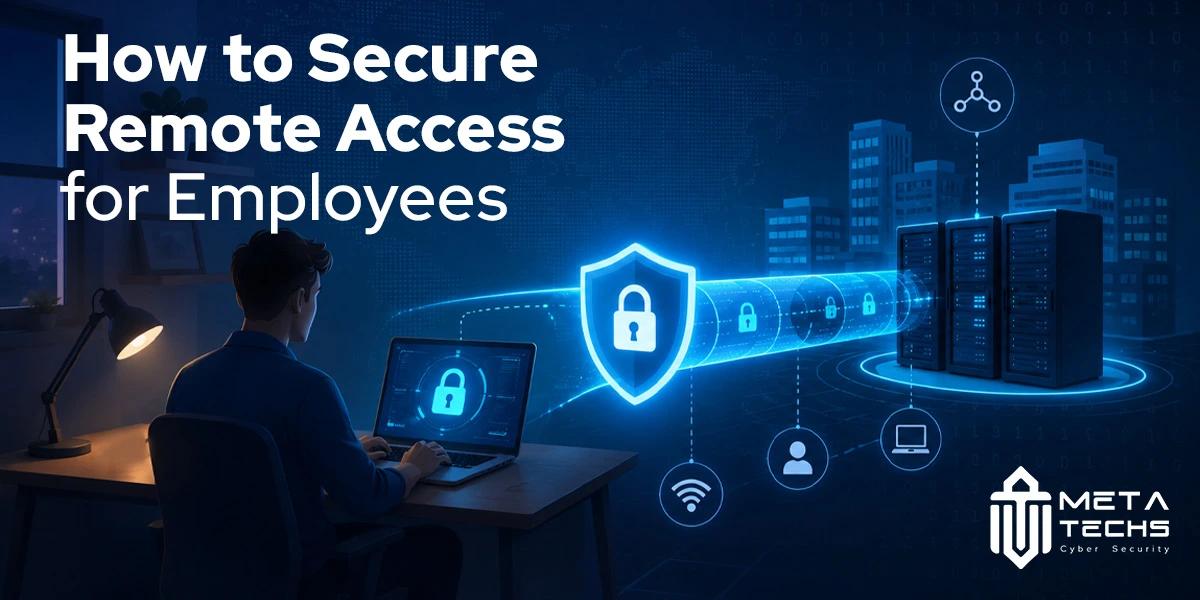
Remote work has changed the way employees access company systems. A person working from home may need the same business applications as someone sitting in the office, but the security conditions are very different.
The device may be on a home network. The user may be accessing sensitive data from a personal laptop. A password could have been stolen through phishing, or the device itself could already be compromised.
That makes remote access a security decision, not simply a connectivity problem.
A secure remote access strategy verifies the user, considers the device they are using, limits access to what they actually need, and monitors for changes in risk. NIST’s guidance treats remote access, telework devices, BYOD and third-party access as parts of the same security problem.
The Risks of Unsecured Remote Access
The biggest problem with poorly secured remote access is not always that someone can log in. It is what they can do after they log in.
A stolen employee password, for example, may give an attacker a legitimate identity. If that account also has broad network access, the attacker may be able to move from one system to another. An exposed or poorly configured remote service can create another entry point.
Remote employees also use devices and networks that the organization may have less control over. A personal laptop could be missing security updates, while a device used from a public Wi-Fi network may face additional exposure.
NIST recommends securing the complete remote access environment, including organization-managed and BYOD devices, rather than treating the remote connection as the only security concern.
There is another issue that is easy to overlook: excessive access. If an employee only needs one internal application, giving that employee broad network access creates unnecessary exposure if their account is later compromised.
CISA has similarly warned about the security risks associated with traditional remote access and VPN deployments, particularly where configuration and broad access create additional risk. Its guidance points organizations toward more granular approaches such as Zero Trust, SSE and SASE.
VPN vs Zero Trust Network Access (ZTNA)
VPNs remain useful for many organizations. They can provide encrypted connections and secure access to internal resources.
The problem comes when a VPN is treated as proof that everything behind the connection should be trusted.
With a traditional VPN, a successful login can place a user inside a network environment where more resources are reachable than they actually need. ZTNA takes a different approach. It is designed to provide access to specific applications or resources based on identity, device and policy.
| VPN | ZTNA |
| Usually connects the user to a network | Connects the user to specific applications or resources |
| Can provide broader network access | Uses more granular access policies |
| Primarily establishes a secure connection | Continuously evaluates access conditions |
| Useful for many existing environments | Well suited to Zero Trust architectures |
Consider an employee who needs access to an internal finance application. With application-level access, the employee can be given access to that application without necessarily exposing other internal systems.
That does not mean every business needs to replace its VPN immediately. Existing infrastructure, applications and business requirements all matter. The more useful question is whether the current access model gives users more access than their role requires.
CISA and current industry guidance increasingly emphasize moving away from broad remote network access toward more granular, policy-based access.
MFA and Remote Access
A password should not be the only requirement for a remote employee accessing company resources.
Multi-factor authentication adds another verification step, making a stolen password less useful to an attacker. MFA is particularly important for remote access because employees may be targeted through phishing, credential theft and other account-compromise techniques.
But MFA should not stop at the VPN login. Email, cloud applications, administrative systems and other externally accessible services should also be considered.
Modern remote access strategies can go further by combining MFA with identity and device information. Microsoft, for example, recommends using Conditional Access to make decisions based on factors such as the user, device, application and risk.
Where possible, organizations should also consider stronger, phishing-resistant authentication methods for higher-risk accounts and sensitive systems.
Device and Endpoint Considerations
A legitimate employee can still become an entry point if their device is compromised.
Before granting access, an organization should have some understanding of the device being used. Is it managed? Is it patched? Is encryption enabled? Does it have appropriate endpoint protection? Has it been rooted or otherwise altered?
These questions become harder when employees use personal devices.
BYOD does not necessarily have to be prohibited, but it needs its own security controls and access rules. NIST specifically includes personally owned devices, mobile devices and third-party-controlled devices in its remote access guidance.
Modern identity platforms can also use device compliance as part of an access decision. Microsoft documents policies that can require a compliant device, MFA, or both before access is granted.
This creates an important distinction: authenticating the employee is only one part of remote employee cybersecurity. The organization also needs confidence in the device through which that employee is connecting.
Best Practices for Secure Remote Access Policies
A secure remote access policy should answer a few practical questions before technology is selected.
Who needs remote access? Which applications do they need? Which devices are permitted? What authentication is required? How much access does each role actually need? What happens when a device becomes non-compliant or an employee changes roles?
Least privilege should be built into those decisions. An employee should receive the access required to perform their job, not unrestricted access simply because providing it is easier.
The same principle applies to contractors and third-party vendors. Temporary access should have a defined purpose and duration instead of becoming a permanent account that nobody reviews.
Access should also be reviewed as circumstances change. Employees move between departments, contractors leave, applications migrate to the cloud, and security risks change. A permission that made sense six months ago may no longer be appropriate.
Monitoring completes the picture. Authentication events, unusual locations, failed login attempts, device changes and abnormal application activity can provide useful signals when something goes wrong.
Security controls should not make legitimate work unnecessarily difficult either. Microsoft recommends piloting and testing Conditional Access policies because poorly planned controls can create significant user impact.
The goal is controlled access, not constant friction.
Remote Work Security in the UAE
For organizations operating in the UAE, remote work security also has a specific regulatory context.
The UAE’s National Secure Remote Work Policy, updated on July 2, 2026, calls for organizations to adopt a Zero Trust approach for remote access and addresses secure authentication and authorization, remote access lifecycle management, client-device security, BYOD and data protection during remote work.
That makes the basic principles discussed above relevant beyond technical best practice. Organizations need to consider remote access as part of their wider governance and risk management processes.
Meta Techs Secure Remote Access Solutions
Meta Techs provides secure remote access as part of its network security services, alongside VPN security, network segmentation, NAC and related controls. Its wider identity and access offering includes MFA deployment, SSO, IAM, PAM, access reviews and Zero Trust Architecture.
Meta Techs also provides Zero Trust and Private Access solutions designed around verified users and devices, application-level access, least privilege and continuous monitoring.
For a business evaluating secure remote access solutions, the starting point should be the access requirement rather than the product. Understanding which users need which applications, from which devices, makes it easier to decide where VPN, ZTNA, MFA, endpoint controls and identity policies fit.
Frequently Asked Questions
Is VPN enough for remote access security?
A VPN can protect remote connections, but it is not a complete remote access security strategy. Organizations also need strong authentication, endpoint protection, least privilege, monitoring and appropriate access policies. For environments where broad network access creates unnecessary exposure, ZTNA can provide more granular application-level access.
What is Zero Trust Network Access (ZTNA)?
ZTNA is an access approach that verifies users and devices and grants access to specific applications or resources according to policy. Instead of treating a successful network connection as trust, it evaluates whether the user and device should be allowed to reach the requested resource.
How does MFA improve remote access security?
MFA adds another verification factor beyond a password. If an attacker obtains an employee’s password, that credential alone is less likely to be enough to access the account. MFA becomes more effective when combined with device and risk-based access policies.
What are the biggest remote access security risks?
Common risks include stolen credentials, phishing, vulnerable or misconfigured VPNs, exposed remote services, unmanaged devices, excessive permissions and weak monitoring. The risk becomes greater when a compromised account can reach more systems than the employee actually needs.
Final Takeaway
Securing remote access for employees is not about choosing between a VPN and a newer technology.
It is about controlling access properly.
The employee should be verified. The device should meet the organization’s requirements. Access should be limited to the applications and data needed for the job, and suspicious changes should trigger further verification or restriction.
That approach protects the business without making remote work unnecessarily difficult, and it gives security teams a much smaller area to defend when an account or device is compromised.
Related posts:
 Secure Access with BeyondTrust Privilege Management
 BeyondTrust PAM: The Smart Way to Secure Privileged Access
 BeyondTrust Password Safe for Secure Access Control
 The Best Secure Cloud Storage and File-Sharing Services for 2025
 The Best Most Secure Email Provider In 2025
 OpenSSH Vulnerability: Patch Now to Avoid Remote Takeover (CVE-2024-6387)