
A small business in the UAE can lose access to its email, customer records or accounting systems because of a compromised password or an unpatched device. These problems do not require attackers to target the company specifically. They can exploit weaknesses in any business that relies on connected systems and stores valuable information.
Verizon’s 2025 Data Breach Investigations Report found that small and medium-sized businesses were targeted nearly four times as often as large organizations in its analysis. The report provides a useful reminder that business size alone does not determine cyber risk.
For small businesses in Dubai and across the UAE, effective cybersecurity starts with a manageable set of controls: protecting accounts, updating devices, securing email, maintaining recoverable backups and limiting access to sensitive data. The following checklist explains what to prioritize, why each measure matters and when professional support may be necessary.
Why Cybersecurity Matters for Small Businesses in the UAE
Small businesses often depend on Microsoft 365 or other cloud applications, online banking, accounting platforms, customer databases and third-party service providers. If an employee’s account is compromised, an attacker may gain access to several connected services.
The consequences can extend beyond the initial incident. A business may lose working hours, struggle to fulfil orders, expose customer information or spend time restoring systems. Companies that handle personal information should also assess their obligations under applicable UAE data protection laws and any contractual or sector-specific requirements.
Common cybersecurity threats include phishing, ransomware, stolen credentials and exploitation of software vulnerabilities. The appropriate response depends on the systems a business uses, the information it holds and the disruption it could tolerate.
Cyber Security Best Practices for Small Business
1. Protect Business Email and User Accounts
Business email is a priority because it can provide access to invoices, customer correspondence, password-reset links and confidential documents. An attacker who controls an employee’s mailbox may also impersonate that employee to request payments or obtain information.
Require multi-factor authentication (MFA) for business email, cloud applications, remote access and administrator accounts. Use unique passwords for different services and consider a reputable password manager to reduce password reuse.
Review account permissions whenever an employee changes roles or leaves the company. Remove inactive accounts and restrict administrator access to people who genuinely need it. For accounts with elevated privileges, use phishing-resistant authentication where supported.
2. Keep Computers, Applications and Network Devices Updated
Outdated software can contain vulnerabilities that attackers exploit to gain access to business systems. Establish a process for installing operating system, application and firmware updates, with priority given to security fixes affecting exposed or business-critical systems.
Enable automatic updates where appropriate and check that they complete successfully. Maintain an inventory of company laptops, desktops, mobile devices, routers and important applications so that unsupported or overlooked equipment can be identified.
Small businesses should also use suitable endpoint protection and device encryption where appropriate. If a device is lost or stolen, encryption and access controls can help reduce the risk of exposing the information stored on it.
3. Reduce Phishing and Business Email Fraud
Phishing messages often imitate suppliers, banks, delivery companies or senior managers. Some ask employees to open an attachment or enter their password. Others request urgent payments or changes to supplier bank details.
Employees should verify unusual payment instructions through a separate, trusted communication channel. A request that appears to come from a senior executive should not bypass normal approval procedures simply because it sounds urgent.
Configure available email authentication controls, including SPF, DKIM and DMARC, for the business domain. Train staff to report suspicious messages and explain what happens after a report is submitted. Regular, role-specific training is more useful when it reflects the actual tasks employees perform.
For a wider view of common attack methods, see Meta Techs’ guide to types of cyber attacks.
4. Maintain Backups That Can Be Restored
Backups help businesses recover from accidental deletion, hardware failure and ransomware. However, having backup files is not enough. The business needs to know whether the files are complete, accessible and recent enough to support recovery.
Identify the information and systems needed to resume essential operations. Automate backups where possible, protect them from unauthorized access and keep a copy isolated from the main production environment. This reduces the chance that an attacker who compromises the business network can also delete every backup.
Test restoration periodically. Record who can initiate recovery, where backup copies are stored and which systems should be restored first. A small business that depends on accounting records or an online ordering system should know how long it can operate without those services.
5. Secure Wi-Fi, Networks and Remote Access
Change default administrator credentials on routers and network equipment. Install supported firmware updates, use modern Wi-Fi security settings and disable remote administration when it is not required.
Guest Wi-Fi should be separated from the network used for business systems. Remote employees and third-party providers should connect through approved, secured methods protected by MFA. Review remote-access accounts regularly and remove access that is no longer needed.
Businesses with several locations, cloud environments or connected operational devices may need a more detailed network assessment. The objective is to identify unnecessary exposure and ensure that access between systems is limited to what the business requires.
6. Review Cloud Security and Data Access
Cloud applications can reduce infrastructure costs, but incorrect permissions and weak account security can expose business information. Review who can access shared files, whether sensitive documents are publicly accessible and which third-party applications are connected to company accounts.
Use role-based permissions rather than giving every employee broad access. Remove obsolete sharing links and integrations, and check that administrative accounts are protected by MFA.
Businesses that store customer information should also establish rules for data retention, sharing and deletion. Collecting less information and limiting access can reduce the potential impact of an incident.
Where configuration or identity-management issues are difficult to assess internally, a specialist review can help identify weaknesses in cloud workloads, permissions and exposed services.
7. Prepare an Incident Response Plan
Even with preventive controls, a business needs a plan for responding to a suspected compromise. Employees should know whom to contact if they notice a suspicious login, ransomware message, missing device or unusual payment request.
The plan should identify who is responsible for technical investigation, business decisions, recovery and customer communication. Include contact details for internal IT staff and external providers, along with steps for preserving relevant evidence.
The response will depend on the incident. A compromised account may require access revocation and credential resets, while suspected ransomware may require isolating affected devices and bringing in qualified incident-response support. Employees should know how to report an issue quickly rather than trying to investigate it alone.
Meta Techs’ guide on how to prevent cyber attacks provides additional guidance on prevention and security controls.
Small Business Cybersecurity Checklist
Use this checklist to review your current controls. Assign a responsible person and a review date to each item rather than treating the list as a one-time exercise.
| Security area | What to check | Priority |
| Accounts | MFA enabled, unique passwords and restricted administrator access | High |
| Software | Supported systems, timely security updates and device inventory | High |
| Phishing reporting, payment verification and domain authentication | High | |
| Backups | Protected copies and tested restoration | High |
| Network | Secure Wi-Fi, updated routers and controlled remote access | High |
| Cloud data | Restricted sharing, reviewed integrations and appropriate permissions | High |
| Incident response | Named contacts, documented steps and recovery responsibilities | High |
A useful starting point is the NIST Cybersecurity Framework 2.0 Small Business Quick-Start Guide. It helps smaller organizations organize cybersecurity risk management without requiring them to build a complex programme from the beginning.
When Should a Small Business Hire a Cybersecurity Provider?
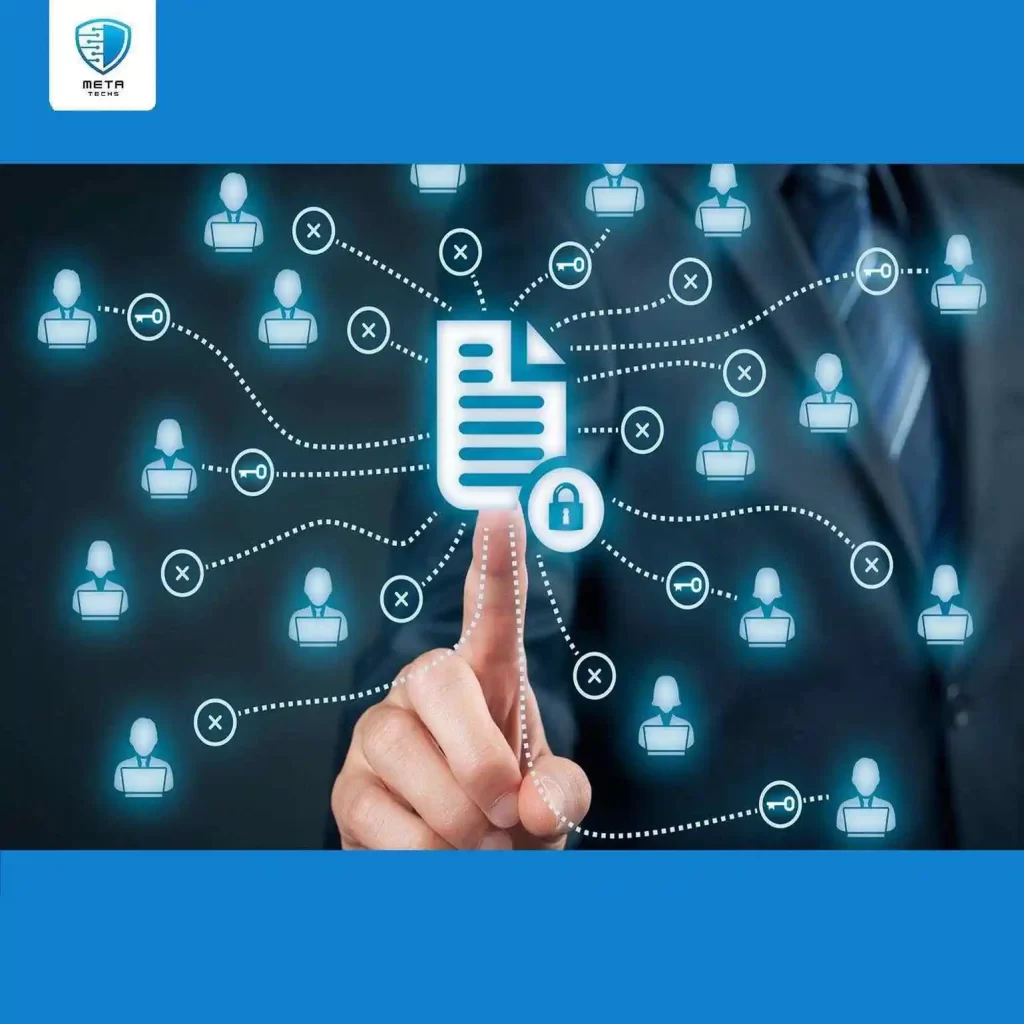
Basic controls can address many common weaknesses, but some businesses need specialist support. This may be necessary when the organization handles sensitive information, operates internet-facing applications, relies on complex cloud systems, faces contractual security requirements or lacks the expertise to investigate technical risks.
Different services address different needs:
- Vulnerability assessment: identifies weaknesses in systems, configurations and exposed assets.
- Penetration testing: tests whether vulnerabilities can be exploited within an agreed scope.
- Cloud security assessment: reviews cloud configurations, identity permissions and exposed services.
- Managed security services: support ongoing monitoring, alert investigation and security operations.
- Security awareness training: helps employees recognize and report common attacks.
Before choosing a provider, establish what needs to be assessed, what deliverables will be supplied and who will help implement the findings. A report that identifies vulnerabilities but gives no clear remediation guidance may leave a small team unsure what to do next.
Businesses evaluating service providers can use Meta Techs’ guide to the best cyber security providers in the UAE to explore the commercial side of that decision. The right choice depends on the business’s requirements, internal capabilities and risk exposure, not just the number of services a vendor lists.
Final Thoughts
Small businesses do not need to implement every cybersecurity product at once. They need to establish the controls that protect essential accounts, devices, data and business operations, then verify that those controls work.
Start with MFA, software updates, email security and tested backups. Follow with network and cloud reviews, restricted data access and an incident response plan. Revisit the checklist when the business adds new systems, changes providers or takes on new data-handling responsibilities.
If your team cannot determine whether its current controls are effective, a cybersecurity assessment can help identify gaps and prioritize practical improvements. Meta Techs provides cybersecurity services for organizations that need support with assessment, cloud security, security operations and related requirements. Businesses can contact Meta Techs to discuss their specific needs.
Related posts:
 How to Choose a Penetration Testing Company: A Practical Checklist for UAE Businesses
 Cyber Security Contract in the UAE: What to Include Before You Sign (+ Checklist)
 cyber security awareness best practices
 How to Implement Zero Trust Architecture: A Practical Roadmap
 How to Prevent Cyber Attacks on Your Business
 AWS Security Services in UAE (Best Practices Guide)